 Cem Kiray's Page
 Table of contents
Open Table of contents
- Google Play 12 Testers: How to Get 12 Testers for Closed Testing (14 Days)
- TLDR About Play Console Tester Rule
- Preparation Before Getting Testers
- How to get 12 testers for 14 days completely free
- Tips about Google Play closed testing
- Happy ending!
- ❓ Frequently Asked Questions (FAQ)
- Is the “12 testers for 14 days” rule for every Google Play account?
- Do testers need to install the app, or just opt in?
- Do testers need to test the app every day?
- Can I use internal testing instead of closed testing?
- What happens if a tester opts out before 14 days?
- Where do I see beta feedback from testers?
Google Play 12 Testers: How to Get 12 Testers for Closed Testing (14 Days)
With mobile development being more accessible than ever, mostly thanks to AI and React Native, the market is getting saturated and low quality, money-grab apps. The Play Store has also long had a reputation for prioritizing quantity over quality. I think Google’s new closed testing requirement is an attempt to improve this. If you recently created an individual Google Play Console developer account, you won’t be able to publish apps to Google Play production track until you complete a Closed test with at least 12 testers opted-in for 14 consecutive days.
I had to go through this long process when I was preparing to publish the Android version of my Temp Mail app. In this post, I am writing about the options I have used to gather 12 testers for 14 days, and finally get approved for Google Play production access.
This post is a practical playbook for:
- finding 12 testers quickly
- keeping them opted-in for the full 14 days (the part many people miss)
- building enough “real” feedback signals so your Production access application is easy to write
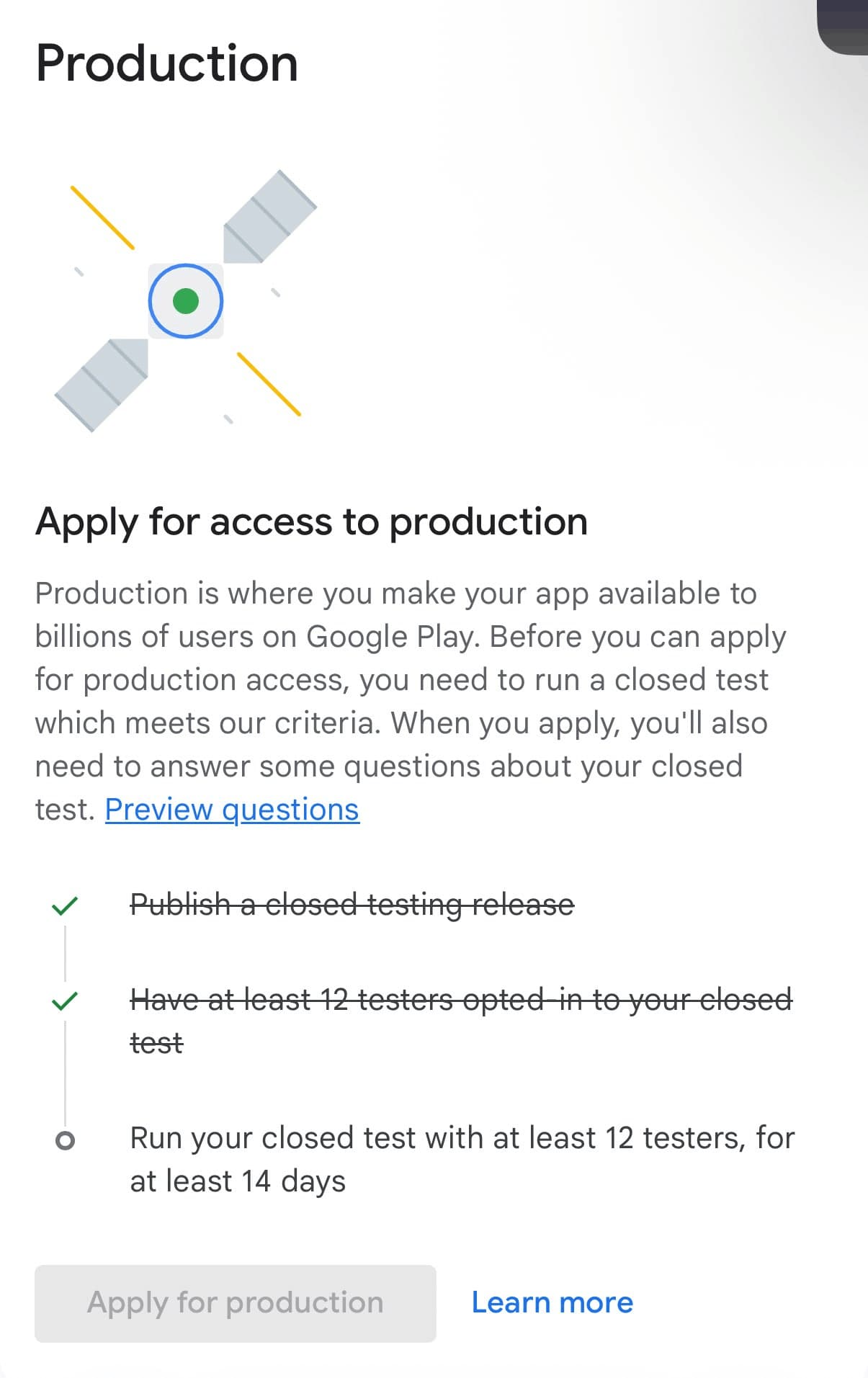
The official rule
Google’s Play Console Help article explains that personal accounts created after Nov 13, 2023 must run a closed test with a minimum of 12 testers opted-in for at least the last 14 days continuously before they can apply for Google Play Production access.
Also worth skimming:
TLDR About Play Console Tester Rule
- You need 12 opted-in testers for 14 consecutive days (not “12 installs once”).
- Recruit 15–20 to have a buffer for drop-offs.
- Give testers a one-minute mission (what to test + how to send feedback).
- Keep the app “alive” during those 14 days: small updates, reminders, and a feedback channel.
Preparation Before Getting Testers
Set up Closed testing properly
Before you recruit anyone, make sure a working build is uploaded to the “Closed testing” track
- a URL for testers to easily join your test group
- crash reporting enabled (at least basic logs, or ideally a tool like Sentry)
- a feedback channel (Google Form, email, Discord, etc.).
For Temp Mail, I have integrated Sentry’s feedback widget and it works great! If you already have Sentry installed for error tracking, you can easily add feedback widget as well.
Make it easy to be a tester (recommended): use a Google Group
Manually adding email addresses for each new tester is annoying and not practical. A cleaner approach that is commonly used is to create a Google Group and add that group to your closed track. This way, testers can simply join the group and then use your opt-in link.
For example, this was the group I have created for gathering testers for Android version of my Temp Mail app: https://groups.google.com/g/temp-mail-android-closed-testing/ . One tip: make sure to disable creating posts and commenting within the group, so that you can avoid spam :)
Google documents this flow in their testing setup guide (they explicitly support using Google Groups for closed testing, and they note that users must join the group before opting in):
Here’s the basic setup:
- Create a group in Google Groups. Set “Who can join group” to Anyone can join.
- In Play Console go to Testing → Closed testing → Manage track → Testers.
- Select Google Groups and add your group email (format:
yourgroupname@googlegroups.com). - Publish the closed test and copy your tester opt-in link.
- Share two links in this exact order (they should first join the Google Group to be able to access the closed testing track link:
- the Google Group join link
- the Play opt-in link (testers must join the group first)
How to get 12 testers for 14 days completely free
-
Reddit communities
There are a few subreddits dedicated to this, such as r/AndroidClosedTesting and r/TestMyApp. They mostly work in the same way: you create a post with your app link, details, and offer to test other developers’ apps in return.
To make being tester more accessible, usually Google Groups are used. Use the Google Group you have created in the previous section about preparation.
An alternative is to find other developers’ posts, and test their apps, then ask them to test your app in return.
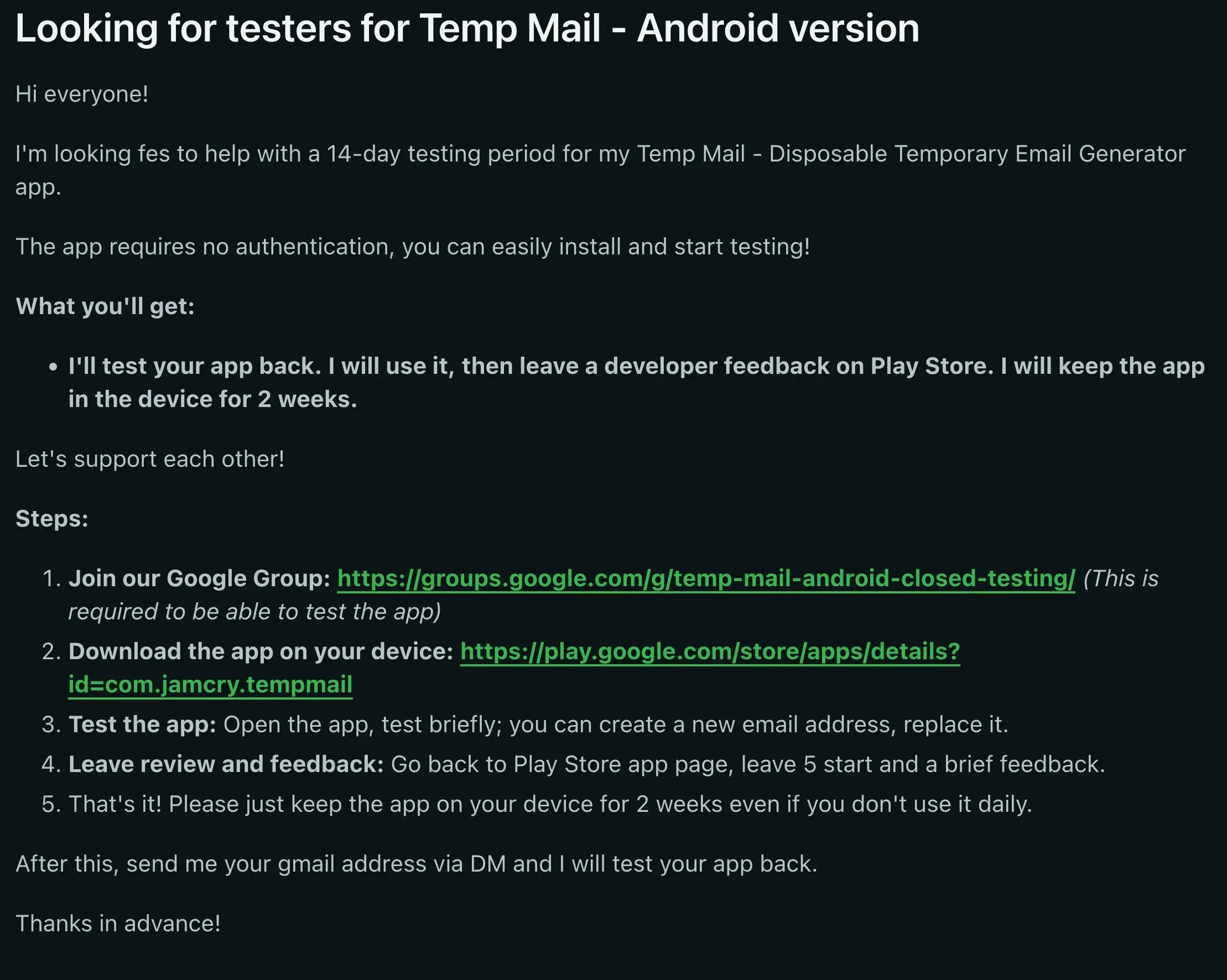
For Temp Mail Android version, I gathered more than half of my testers from Reddit. Here is the template I have used (It’s nothing special, you basically copy from top posts):
-
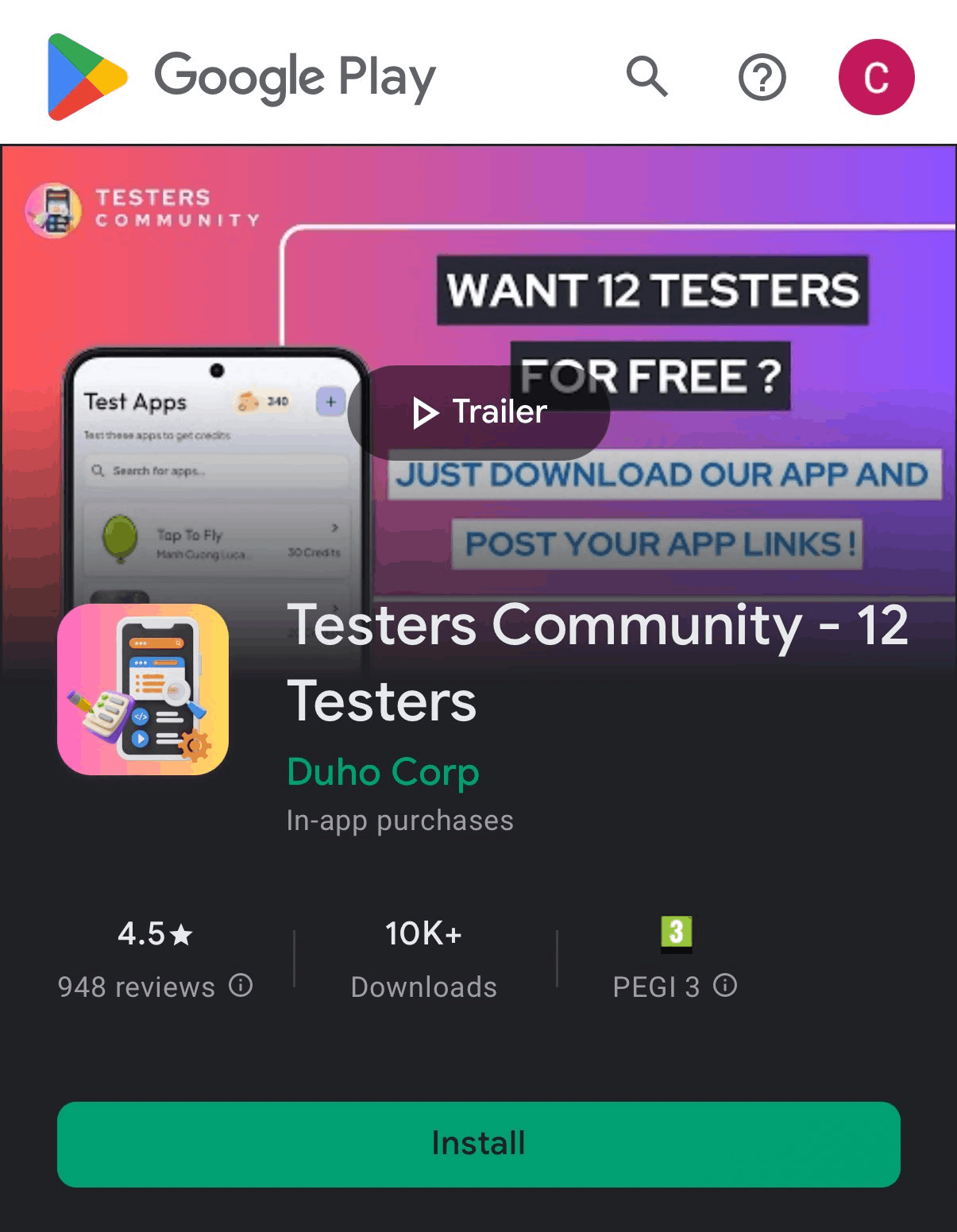
TestersCommunity app
This is a community-made Android app, that works like this: you install and test 3 apps, then you can post your own app to be tested by other users. With this method, I gathered 5-6 testers within hours.
-
Family and Friends
Of course, you can get your friends or family members to download the app as well if they have an Android device.
Tips about Google Play closed testing
- Make sure the testers stays opted-in to your app for 14 days and leave the app installed on their device. If a tester opts in and opts out (uninstalls the app) before 14 days, they will not count, even if they opt back in later. The 14 days must be consecutive.
- Try to find more than 12 testers, which is minimum, as a backup. If the number of active testers go below 12, the whole process will stop.
- Use Sentry: if you are not already using, consider integrating Sentry, this way you can catch any bugs or errors in your app and fix them before it’s too late
- Actually test your app; do not just see this period as a time to stop and wait, use this time to actually test and polish your app.
- Ensure that the testers at least open the app and use a few core features. I read that the Google Play team checks some signals to verify that the testers actually tried the app.
- Send at least a few new versions during 14 days. Do not just send a version and leave it for the duration of whole process. Even if you send new builds with minimal changes, it sends Google Play reviewers a signal that you actively improved the app.
- At the end of 14 days, you will be given a questionnare. This is the final step. Do not rush the answers and do not use AI. Write answers yourself, and make sure the answers actually match your app.
What I think about this change?
I believe Google had to do something to improve the quality of apps in their Play Store. But I am not sure if this was a good solution.
Instead, making app reviews stricter, just like Apple App Store, might have been a better idea.
Requiring 12 testers did not improve the quality of apps, and as far as I can see from my experience, most of the developers still do not care about getting their apps really tested and polishing their apps. Within this period, I had a chance to review 20-25 of other developers’ apps. Unfortunately, 90% of them were vibe-coded slops with no attention to detail, broken UIs, stupid UXs, or copy cat of successful apps. I believe this can be stopped only by making the rules and app reviews more strict.
Happy ending!
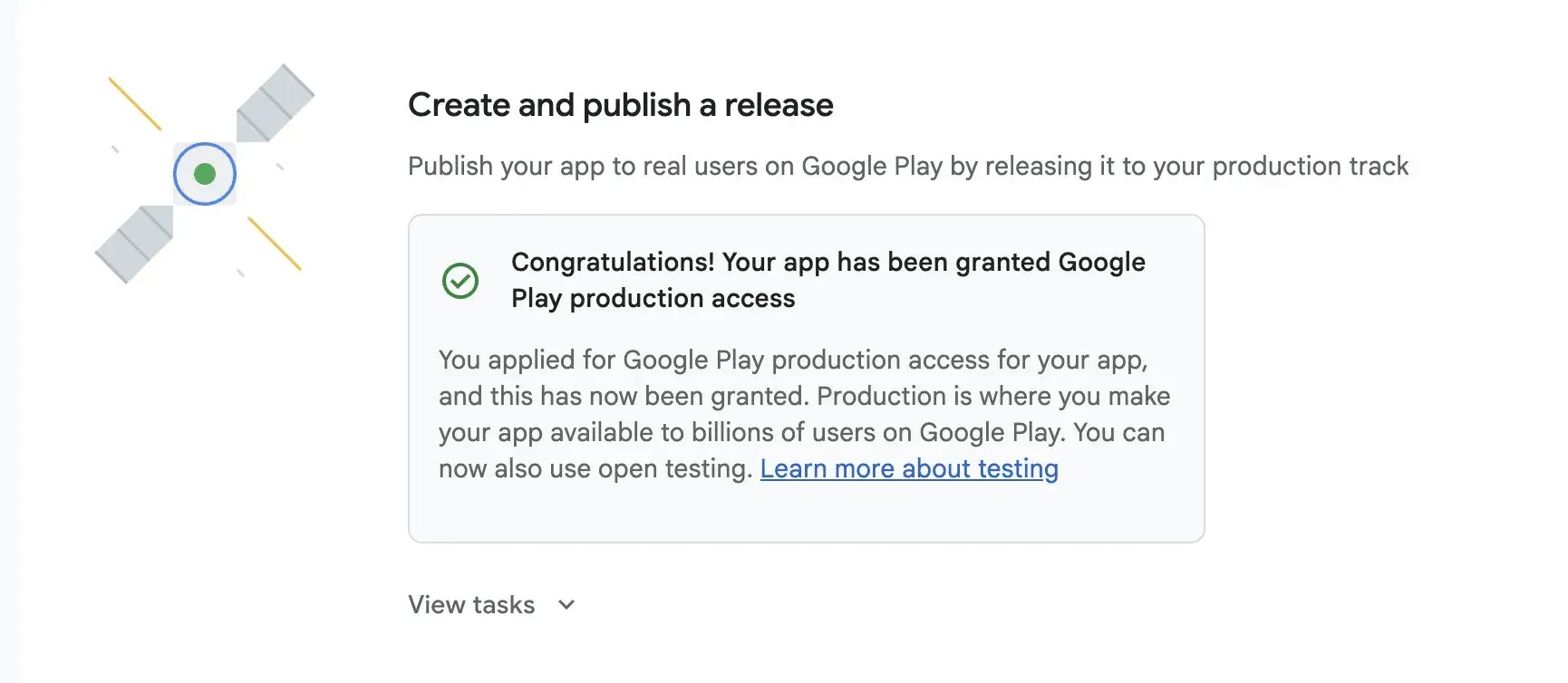
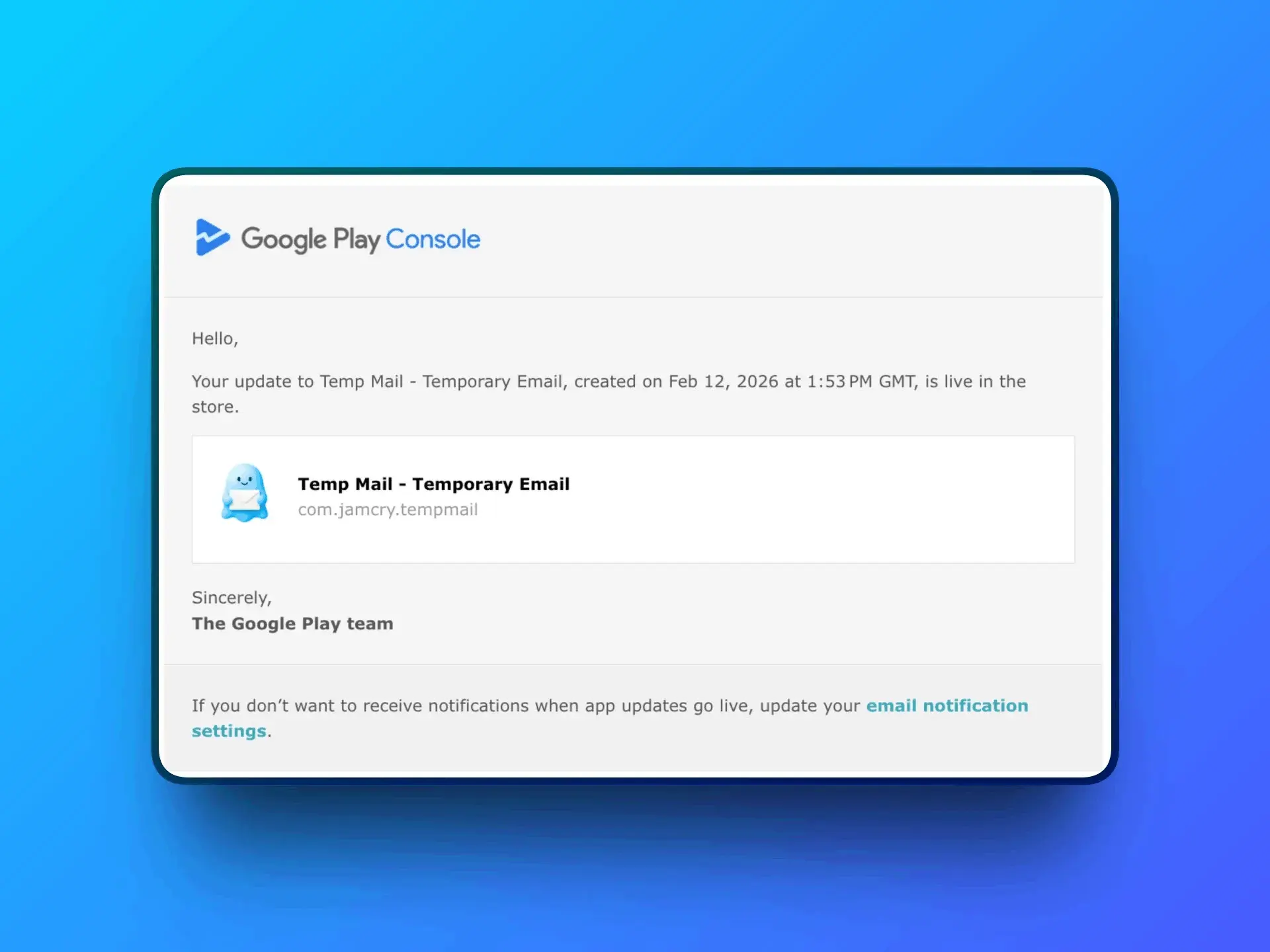
Using the steps and tips that I’ve mentioned above, I was able to find 15-16 testers within a day, and at the end of day 14, Android version of Temp Mail - Temporary Email Generator was granted Google Play production access!
❓ Frequently Asked Questions (FAQ)
Is the “12 testers for 14 days” rule for every Google Play account?
No. It applies to newly created personal developer accounts (created after Nov 13, 2023). Organization accounts follow different rules. The canonical source is Play Console Help: App testing requirements for new personal developer accounts.
Do testers need to install the app, or just opt in?
The requirement is that they stay opted-in continuously for 14 days. In practice, you should ask them to install and use the app a few times and provide feedback—both for product quality and to make your application for Production access straightforward.
Do testers need to test the app every day?
No. In my case, testers opted in and tested in the first few days, but they didn’t open the app every single day for all 14 days. The key requirement is staying opted-in for 14 consecutive days.
That said, I personally tested my own app every day for a few minutes (a few interactions), and I recommend encouraging testers to open the app occasionally and send feedback so the closed test doesn’t look “dead”.
Can I use internal testing instead of closed testing?
No. Internal testing is optional and useful early, but closed testing is mandatory for new personal accounts before you can apply for Production access.
What happens if a tester opts out before 14 days?
They stop counting. The 14 days must be consecutive, so you either need buffer testers or you may have to extend your testing period to maintain 12 opted-in testers for the full duration.
Where do I see beta feedback from testers?
In Play Console, go to Ratings and reviews → Testing feedback. You can also collect feedback via a form or chat group and summarize it later when you apply for production.